Trayage facts,
screenshots & icons.
A handy starting point for covering Trayage. Product facts, artwork, and a person to contact.
Download media kit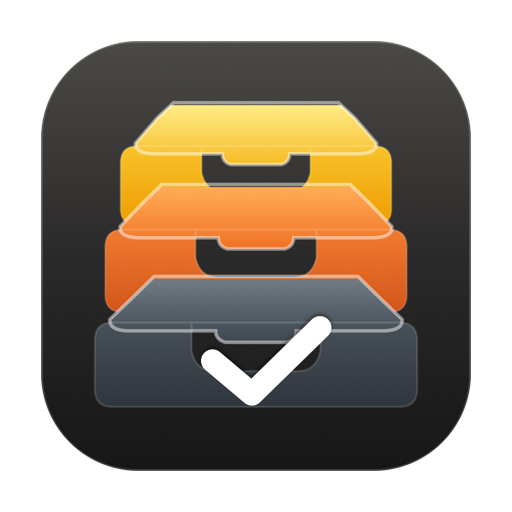
Trayage at a glance.
- App
- Trayage
- Tagline
- Give Downloads a second look.
- Developer / publisher
- Kyle Reddoch / RelayByte
- Based in
- Texas, United States
- Platform
- macOS 14 and later
- Availability
- Available directly and on the Mac App Store
- Direct price
- US$9.99 once
- App Store offer
- free download and file review; optional 7-day cleanup trial; separate US$9.99 one-time in-app unlock (local price shown by Apple)
- Trial
- 7 days; no automatic charge
- Updates
- All 1.x updates included; optional paid major upgrades
About Trayage.
Short description
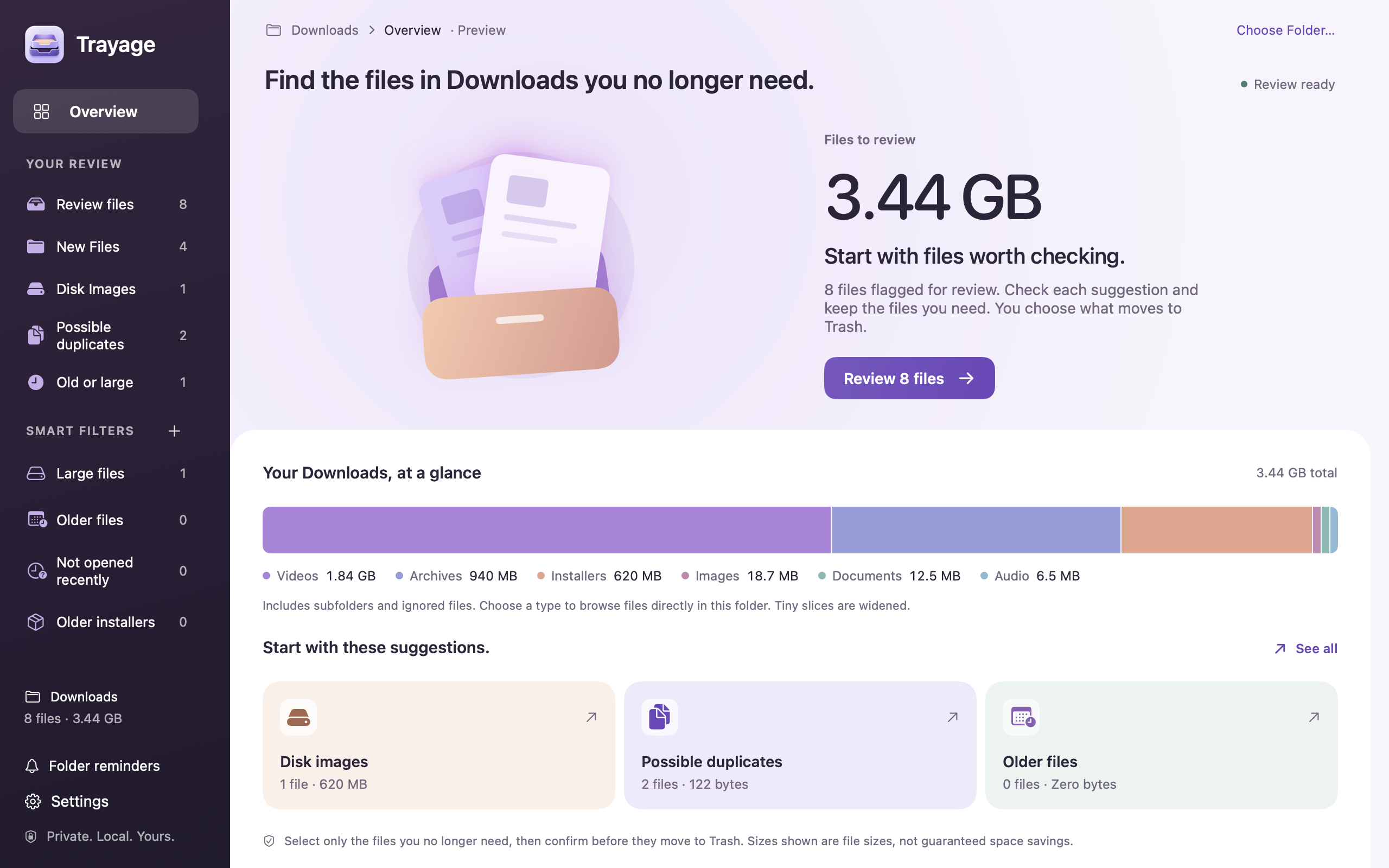
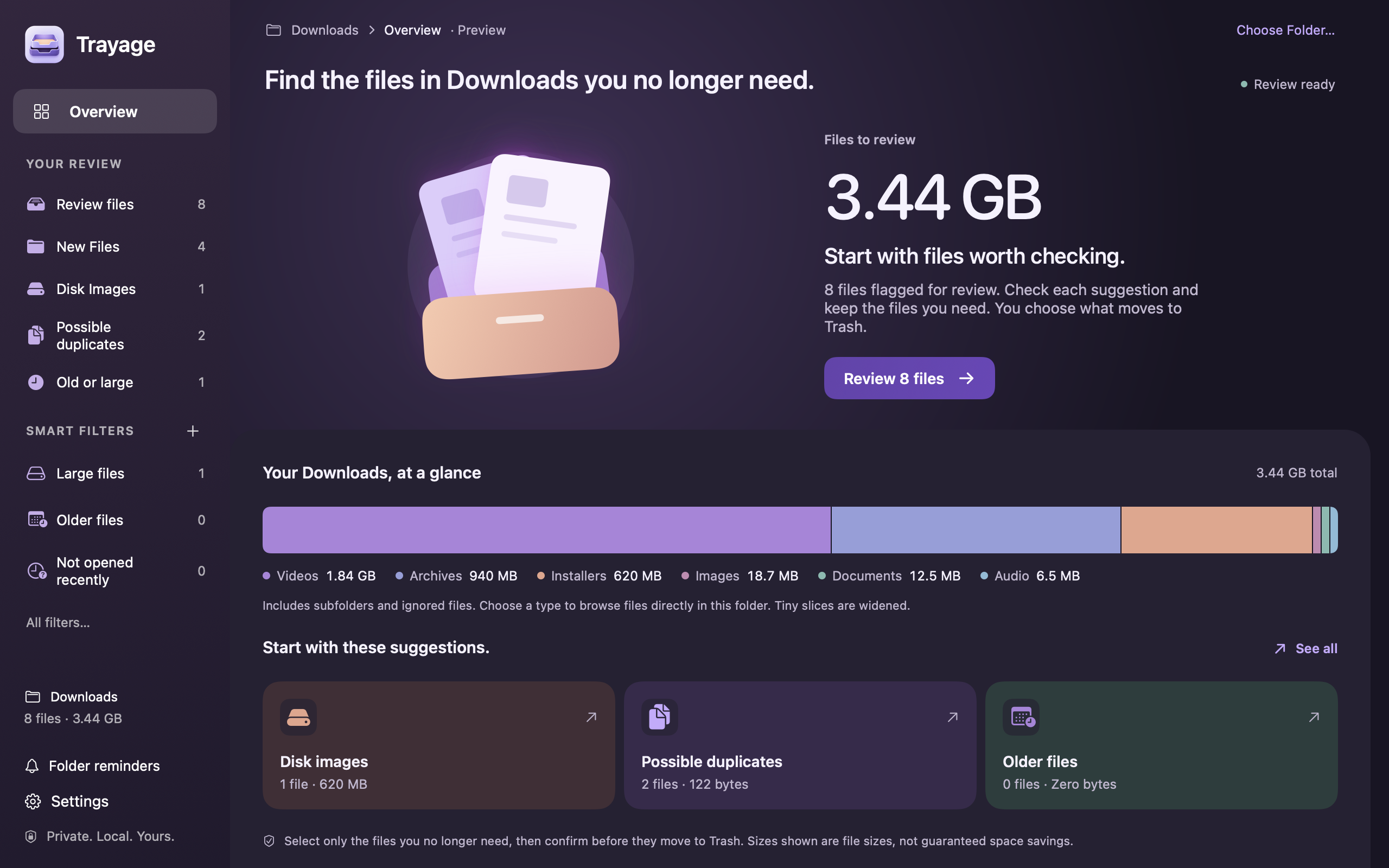
Trayage is a Mac app that flags installers, likely duplicates, and large or older downloads with a reason for each suggestion. Start with files worth checking, review them free, and confirm what moves to Trash. File analysis stays on your Mac.
Longer description
Trayage gives you a starting point for cleaning up Downloads. It groups disk images, likely duplicates, older or larger files, and recent downloads, with a plain-language explanation of why each file stands out. Reveal a file in Finder, hide a suggestion while keeping its file, or select files to move to Trash after confirmation. Trayage lives in the menu bar, with a full review window and an optional Dock presence. Built by Kyle Reddoch under the RelayByte brand, it is designed for macOS 14 and later.
About the developer
Kyle Reddoch is an independent developer based in Texas, United States. RelayByte is the home for his apps. His background in cybersecurity informs an emphasis on clear permissions, local processing, and controls people can understand.
Icons & publisher artwork.
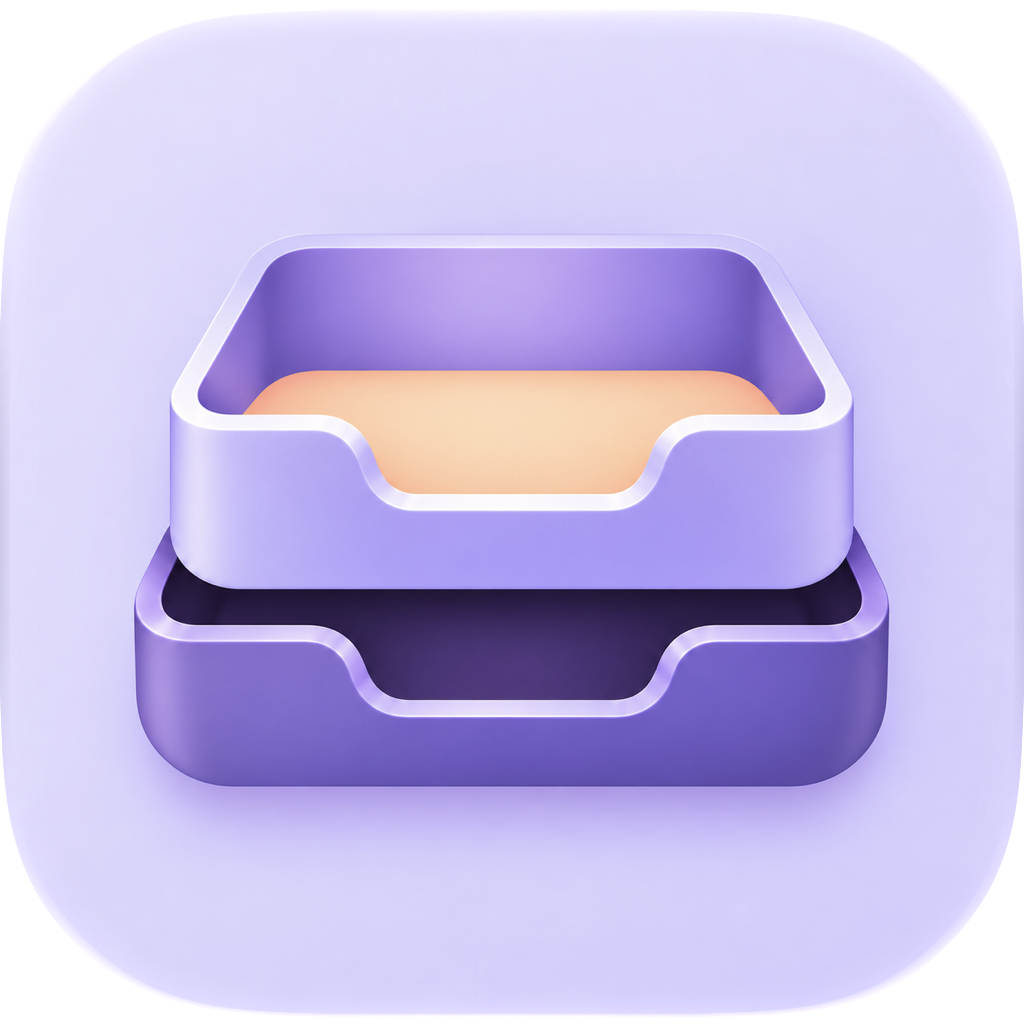
Trayage keeps its own app icon. RelayByte identifies the studio behind it.

RelayByte wordmark for light backgrounds
SVG · scalable
Download RelayByte wordmark for light backgrounds
RelayByte wordmark for dark backgrounds
SVG · scalable
Download RelayByte wordmark for dark backgrounds
Screenshots.
Actual captures of the Mac App Store edition using synthetic sample files. The captions identify the prerelease build and capture date shown.
A few details to get right.
- Version 1.1 reviews one selected folder’s top-level files and includes folder refresh controls, configurable thresholds, content checks, and persistent hidden suggestions. See the roadmap.
- Likely duplicates are suggestions based on filename and size. Version 1.1 can compare candidate file contents locally before you decide which copies to keep.
- Selected, unchanged files move to Trash only after confirmation. Trayage does not empty the Trash or promise automatic cleanup.
- File analysis happens locally. Purchases, license verification, and support involve the services described in the privacy policy.
- The 3-Mac device limit applies to direct licenses. Apple purchase and trial eligibility are managed through Apple.
Using the assets
You may use the supplied artwork and descriptions in editorial coverage of Trayage. Please preserve proportions and colors, give the icon room to breathe, and identify prerelease screenshots as such. Keep RelayByte publisher artwork separate from the Trayage app icon. Coverage does not imply endorsement, and a review copy never requires a positive review.
Credit: Trayage / RelayByte, by Kyle Reddoch. Apple’s names and marks belong to Apple Inc.
Questions, interviews,
or a review copy?
Contact Kyle with your publication, deadline, and what you’d like to cover. Review access and preview builds are arranged individually.
[email protected]